

Ainstec IRIS · User Guide
IRIS Green user guide.
A practical first-use guide for IRIS Green: unbox the product, install the mount, download the app, connect the device, and check projection before the first ride.
Guide shortcuts
Start with the right support topic, then follow the fast guide for setup and projection.
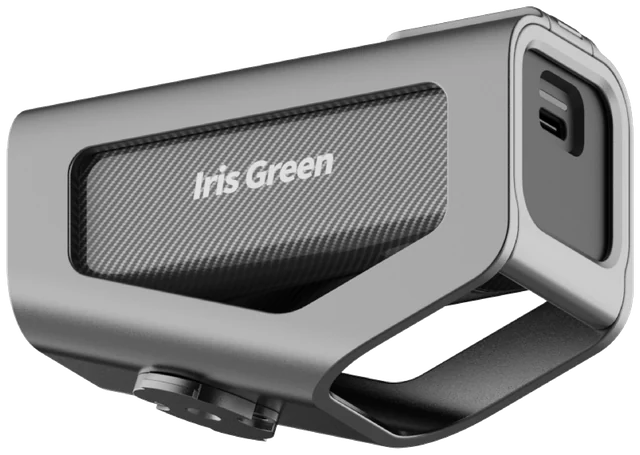
From box to first ride.
Check the package, mount the device, connect the app, and confirm the projection angle.
01 · App download
Download the IRIS app.
Download the IRIS app before pairing the device. Scan the QR code for your platform, or use the store link.


02 · Languages
Multi-language support.
The app is ready for global riders, retailers, and distribution partners who need a familiar setup language.
Supports 11 app languages
Use the Ainstec Iris app to bind the device, choose projection modes, and complete firmware updates in your preferred language.
English
Simplified Chinese
Traditional Chinese
Japanese
Korean
German
French
Italian
Spanish
Portuguese
Arabic
03 · Video support
Installation videos.
Select a guided setup video. The player opens separately so the library stays fast to browse.
Important: Before first use, remove the protective plastic film from the device before sliding it into the outer shell or bracket. This helps prevent the device from getting stuck.


04 · Fast guide
Fast guide.
Use the visual guide for the core setup flow. Each image highlights the next action.
Step 1: Insert device into bracket


Step 2: Install computer mount


Step 3: Install device on bike


Step 4: Power on, connect, and project


05 · User manual
Full user manual.
Need more detailed guidance? Download the complete PDF manual for setup instructions, feature explanations, and troubleshooting.
Still need help?
Send your order number, device serial number, phone model, app version, and a short issue description so support can respond faster.