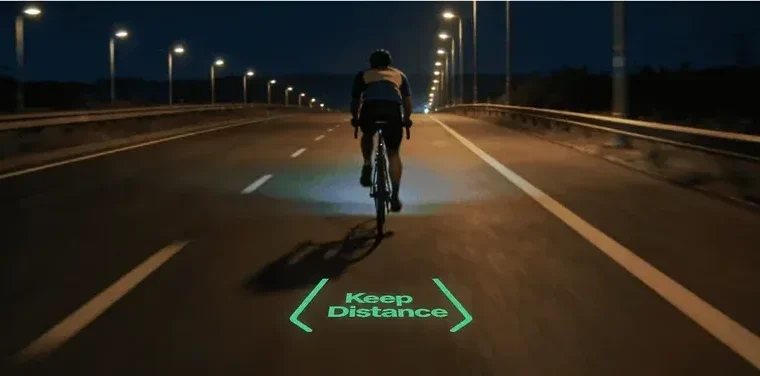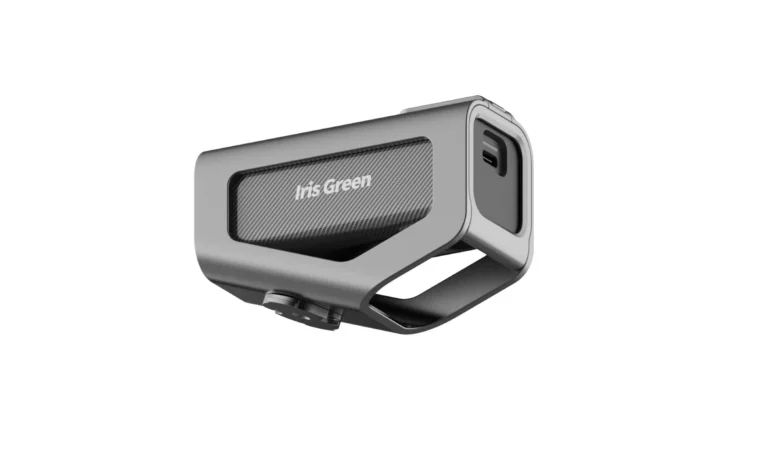
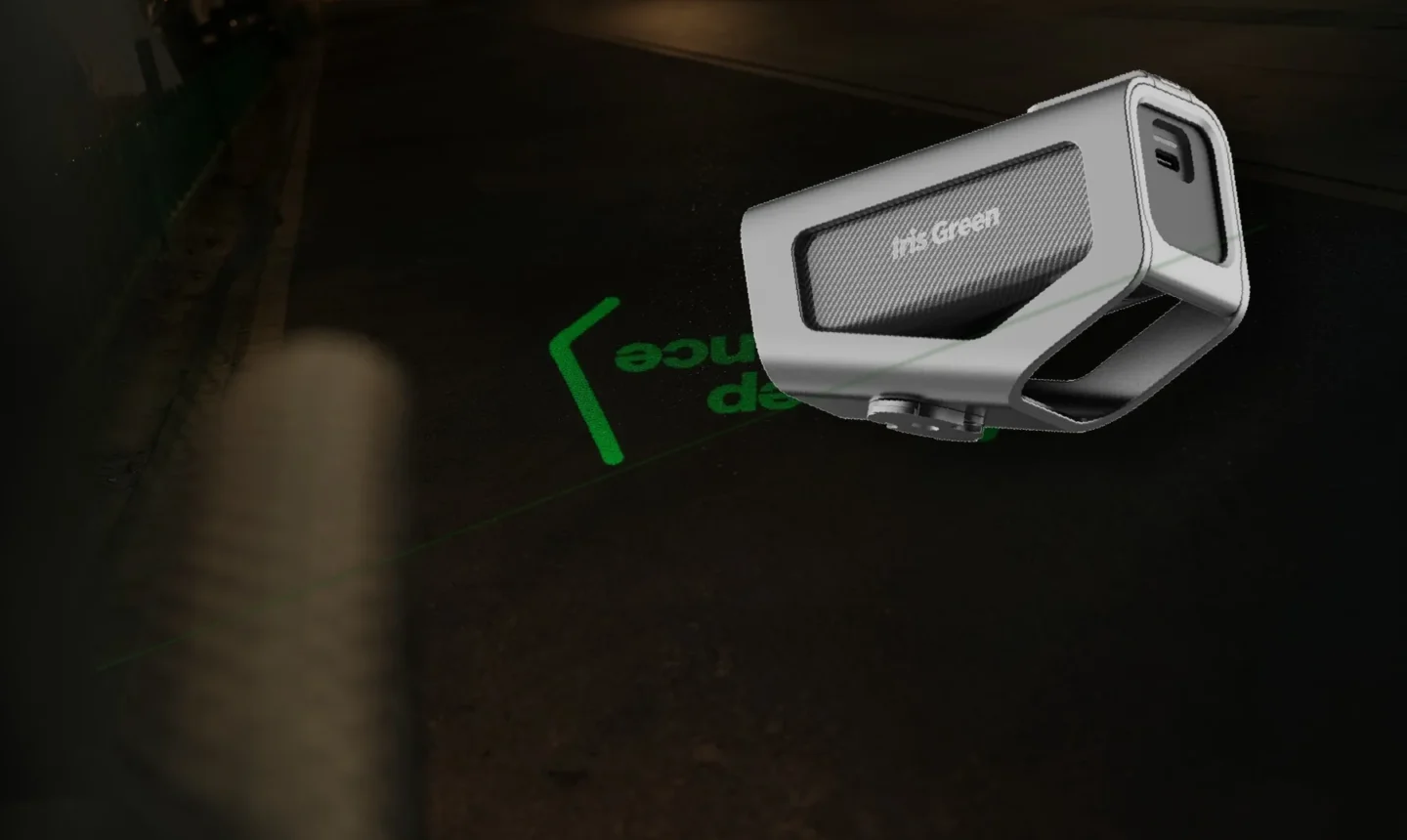
A phone is usually the most flexible tool for planning routes and searching destinations. A bike computer is better suited to long rides, training data, connected sensors, and continuous outdoor use. Road projection serves a different purpose: it places selected visual cues into the rider’s forward environment.
Bike computer vs phone vs road projection: the quick answer
The three systems are not direct replacements for one another. They represent three different layers of a cycling interface: a phone helps plan the ride, a bike computer helps manage the ride, and a road projection display presents selected information during the ride.
Phone
Best for route planning, destination search, detailed maps, communication, and last-minute changes.
Bike computer
Best for continuous GPS, ride recording, training data, sensors, and long outdoor use.
Road projection
Best for selected cues, simple ride prompts, visibility graphics, and forward-facing information.
Understanding this division is more useful than asking which single device is best for every cyclist. The right choice depends on the kind of information a rider needs and where that information should appear.
Phone navigation for cycling
For many cyclists, a smartphone is the easiest navigation tool to begin with. It already contains GPS, mobile data, maps, route-planning applications, and search functions. With a secure handlebar mount, it can become a capable cycling navigation device without requiring a separate bike computer.
Where a phone works best
Phone navigation is particularly useful for searching destinations, exploring unfamiliar areas, changing routes during a ride, finding cafes or repair services, viewing large detailed maps, planning routes before departure, and combining navigation with messaging or emergency calls.
The larger screen makes it easier to understand the surrounding area rather than only the next turn. This is especially valuable for urban riding, casual commuting, and trips where the route may change frequently.
Limitations of using a phone
The main limitation is that the phone is also responsible for many other functions. Continuous GPS, screen brightness, navigation, mobile data, and background applications all consume battery power. A long ride can leave the cyclist with less battery available for calls, payments, photography, or emergencies.
A handlebar-mounted phone is also exposed to rain, vibration, heat, cold, dust, and impact risk. Notifications and incoming messages may introduce unnecessary distractions. A phone is therefore a strong planning and general-navigation tool, but it is not always the most focused or durable interface for frequent cycling.
Bike computer navigation
A bike computer is built specifically around the riding experience. Modern GPS bike computers can combine navigation with speed, distance, elevation, heart rate, cadence, power data, climbing information, electronic shifting, rear radar alerts, and ride recording.
Where a bike computer works best
A bike computer is better suited to long rides, structured training, touring, bikepacking, sensor-based cycling, continuous ride recording, wet or demanding outdoor conditions, and preserving phone battery. Its interface can be configured around a small number of cycling-specific data fields without unrelated apps or notifications.
Dedicated controls can also be easier to operate while wearing gloves or riding in poor weather. For riders who train regularly or spend several hours on the bike, this dedicated structure is often more useful than mounting a phone.
Limitations of a bike computer
A bike computer is another device to purchase, charge, update, and maintain. Its screen is generally smaller than a phone, which can make it less convenient for searching new destinations, browsing a large map, finding nearby businesses, making complex route changes, or reviewing detailed location information.
A bike computer can guide a rider along a prepared route very effectively, but a phone is usually more flexible when the destination or plan changes. This is why many cyclists continue to use both: the phone handles planning and broader context, while the bike computer handles the ride itself.
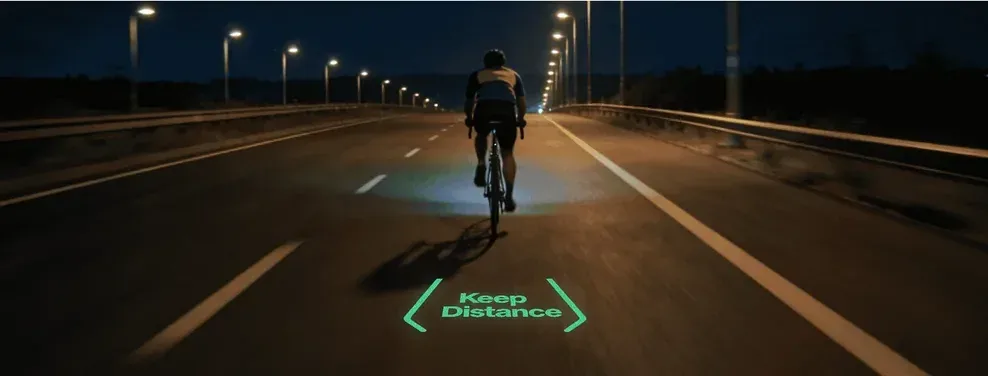
Where cycling road projection fits
Cycling road projection is not intended to replace the detailed maps of a phone or the data-management capabilities of a bike computer. It solves a different interface problem: how can selected information appear closer to the road ahead?
A bike projection display can project simple visual content onto the road, such as directional cues, speed, distance, warning symbols, turn-related graphics, device status, or customized images. The purpose is not to reproduce a complete map. Road projection works best when it communicates a small amount of information clearly and immediately.
Why not display everything on the road?
A full navigation map contains too much information to become an effective projected interface. Street names, route alternatives, points of interest, menus, and detailed performance data are better handled by a conventional screen.
Road projection is most useful when the rider only needs to understand the next relevant action: turn left, continue forward, check current speed, recognize a warning, or confirm a riding mode. This is similar to the logic of a heads-up display. A useful bike HUD should not move every control into the rider’s view. It should select the information that matters at that moment.
Road projection as a supplementary display
The strongest role for cycling road projection is as a supplementary interface. A rider may still use a phone to create the route. A bike computer may still manage GPS navigation, sensors, and ride records. The projection display can then present only selected information in the riding environment.
- Phone: planning layer Route creation, destination search, detailed maps, last-minute changes, and communication.
- Bike computer: management layer Continuous GPS, ride recording, training information, connected sensors, and route progress.
- Road projection: immediate display layer Selected directional cues, priority ride data, simple warning symbols, and visible cycling graphics.
Best framing: plan the ride on the phone, manage the ride on the bike computer, and display selected cues on the road.
A bike projection display is most relevant during night and low-light riding. Its usefulness depends on ambient light, road color, road texture, projection brightness, weather, projection angle, and riding environment. It should not be presented as a replacement for a phone, bike computer, front light, rear light, reflector, or legally required signaling equipment. It is an additional visual interface.
Which setup is right for different riders?
Casual and occasional riders
A phone and secure handlebar mount may be enough. It offers navigation, ride tracking, and route flexibility without requiring another dedicated device.
Daily urban commuters
A phone remains useful for changing destinations and searching city locations. A bike computer may offer more reliable everyday ride recording, while road projection can add selected night-riding cues.
Training-focused cyclists
A bike computer is usually the primary interface because it provides structured data and strong sensor integration. The phone remains useful for route planning, communication, and post-ride analysis.
Long-distance and touring riders
A bike computer can preserve phone battery and provide continuous navigation over longer periods. The phone remains an important backup and planning device.
Technology-focused night riders
A phone or bike computer can manage route information, while a road projection display adds selected forward-facing content. For this rider, the value is not replacing an existing device. It is creating a new way to experience information during the ride.
How IRIS Green fits into the setup
IRIS Green is designed as a supplementary cycling display rather than a replacement for a phone or bike computer. A rider can use a phone to plan a route, use a connected cycling device to manage ride data, and use IRIS Green to project selected information onto the road during night and low-light riding.
Depending on the riding mode and connected setup, projected content may include directional cues, ride information, warning graphics, and rider-controlled visual content. The system is designed around a simple principle: detailed information stays in the app or cycling device; selected information appears in the riding environment.
Can phone, bike computer, and road projection work together?
Yes. In many cases, the strongest cycling setup is not a single device. A cyclist could build a route on a phone, transfer or manage the route through a cycling device, record speed, distance, heart rate, or power on a bike computer, display selected cues through road projection, and review the complete ride later in the app.
This reduces the need for one interface to perform every task. A short urban ride may only require a phone. A long training ride may rely mainly on a bike computer. A night ride may benefit from an additional projected display.
Frequently asked questions
Is a bike computer better than a phone?
A bike computer is generally better suited to long rides, training data, connected sensors, weather exposure, and dedicated ride recording. A phone is generally better for detailed maps, destination searches, and flexible route changes.
Can I use my phone as a bike computer?
Yes. Cycling apps can provide GPS navigation, speed, distance, ride recording, and some sensor connections. Battery life, weather exposure, mounting security, and incoming notifications should still be considered.
Does road projection replace GPS navigation?
No. Road projection is not designed to replace a complete navigation system. It is better suited to displaying selected cues generated by a connected phone, app, or cycling device.
Is road projection the same as a bike HUD?
It can be considered one form of bike HUD because it places selected information into the rider’s forward environment. Unlike a wearable HUD, however, the information is projected onto the road rather than displayed near the rider’s eye.
Can all three systems be used together?
Yes. The phone can manage route planning, the bike computer can manage cycling data and continuous navigation, and road projection can display selected information during the ride.
Does road projection replace bicycle lights?
No. A bike projection display should not replace required front lights, rear lights, reflectors, hand signals, or other legally required safety equipment.
Conclusion
The bike computer vs phone decision depends on what the rider needs. A phone is the strongest tool for flexible route planning and detailed map interaction. A bike computer is better suited to continuous cycling use, training data, connected sensors, and long rides.
Cycling road projection adds a third layer. It presents selected information in the rider’s forward environment rather than attempting to replace the complete functions of either device. For riders interested in night navigation, forward-facing ride information, and a different type of cycling interface, road projection can become a useful addition to the connected-bike ecosystem.
See road projection in action.
IRIS Green projects navigation, ride data, visible signals, and personal visuals onto the road ahead.
Explore IRISGreen