

Alongside your bike lights
Add a road signal to your lighting setup.
Bike lights illuminate the route and mark the bike's presence. Iris Green adds a moving green projection on the road. Keep your required front and rear lights in use.


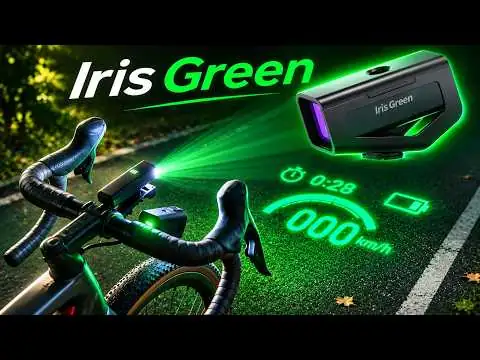
Iris Green is a handlebar-mounted Cycling PICO AR HUD that adds a soft green layer of presence, cues, and self-expression to night rides.
Built for riders who want night gear with presence, not just utility. Iris Green turns motion, direction, and personality into a visible road signal that moves with the bike.
A soft green footprint gives your motion a clearer presence after dark.
Route prompts and ride status become quick visual cues in motion.
Words, symbols, and weekly content drops make the ride unmistakably yours.
Bike lights provide illumination and visibility. A bike computer or phone shows detailed ride information. Iris Green adds a different layer: app-controlled green projection that puts selected cues and personal visuals on the road for night and low-light rides.
Bike lights illuminate the route and mark the bike's presence. Iris Green adds a moving green projection on the road. Keep your required front and rear lights in use.
A bike computer or phone keeps maps and detailed ride data on a screen. Iris Green projects selected arrows, prompts, and graphics onto the road through the Ainstec Iris App.
Alongside the steady or flashing modes of conventional lights, Iris Green offers words, symbols, and team marks. Choose projection content in the app to give your night ride a personal signature.
Swipe across to compare all columns →
| Device | Information display | Main role | Alongside Iris Green |
|---|---|---|---|
| Iris Green | Green projection on the road | Selected cues, prompts, and personal graphics through the Ainstec Iris App | Adds a projection layer for night and low-light rides |
| Phone with a mount | Phone screen on the handlebars | Maps, route planning, and app-based ride information | A phone running the Ainstec Iris App controls Iris Green |
| Bike computer | Dedicated handlebar screen | Ride metrics and, on supported models, maps and navigation | Keep using it for detailed ride data; direct sensor pairing with Iris Green is not supported |
| Smartwatch | Wrist display | Activity tracking, workout metrics, and supported alerts or navigation | Keep using it for activity tracking; it is not required to use Iris Green |
Phone, bike computer, and smartwatch features vary by model and app. This comparison describes their typical roles, not a direct integration. Iris Green does not replace required bike lights.
Watch projection from the handlebars and alongside a moving bike, then take a closer look at custom content. Play any clip to explore the scene at your own pace.
Swipe to explore all four demos.
A view over the handlebars shows green symbols projected onto the road ahead as the bike moves.
Street-level and overhead views show a cyclist moving through a lit junction with arrow graphics on the road.
An overhead view follows a cyclist along a cobbled street as a green projected arrow moves across the surface.
A handheld device projects changing green graphics and text onto a dark surface. This clip demonstrates content separately from the riding scenes.
Best suited to night and low-light use. Projection appearance varies with ambient light, road surface, mounting angle, and camera exposure. Keep your required bike lights in use.
Set up Iris Green with the Ainstec Iris App before you ride. These four steps take you from mounting the device to checking your first projection.
Charge Iris Green, attach the device to its bracket, and secure the mount on your bike.
Turn on Iris Green, enable Bluetooth on your phone, and add Iris-G in the Ainstec Iris App.
Get the app →Choose a riding mode or projection asset. Prepare custom visuals in the app before departure.
Confirm the mounting mode, calibrate the projection angle, and check the image while stopped.
MEMS-LBS combines a micro-electro-mechanical scanning mirror with laser beam scanning. The mirror rapidly steers the beam to draw the projected image. Iris Green uses this approach to create its green projection.
Focus-free optics mean there is no manual focus adjustment. You still need to align the projection and set the mounting orientation in the app.
Explore MEMS projection →Riding data uses your phone's GPS; ANT+/BLE external sensors are not supported. Finish setup before departure and only adjust the app after stopping safely. Keep your required bike lights in use.
Check the optics, power requirements, app compatibility, and supported content. Open each group to find the details that matter for your setup.
Optical engine brightness
Water-resistant housing
Approximate full-power runtime
Listed product weight
| Projection technology | MEMS-LBS laser scanning |
|---|---|
| Projection color | Green |
| Brightness | 60 lm optical engine brightness; adjustable in the app |
| Focus | Focus-free; projection alignment is adjusted in the app |
| Projection angle settings | L: 30° × 10°; M: 20° × 10°; S: 10° × 5° |
| Laser class | Class 2 |
| Runtime | Approximately 120 minutes at full-power projection; actual runtime varies with use |
|---|---|
| Charging port | USB-C |
| Charging supply | Certified 5 V / 1 A charger |
| Charging time | About 1 hour for a full charge |
| Weight | 255 g |
| Water resistance | IP56 |
| Mounting | Included mounting kit for common cycling setups. Contact support to confirm oversized, aero, or non-standard cockpit fit. |
| Companion app | Ainstec Iris for iOS and Android |
|---|---|
| Connection | Bluetooth connection to the app |
| Riding data source | Your smartphone's GPS |
| External sensors | ANT+/BLE external sensors are not supported |
| Image import | PNG, JPG, JPEG, HEIF; up to 5 images per batch, auto-optimized to 640 × 480 |
| Video import | MP4, MOV; clips up to 6 seconds |
Runtime varies with brightness, content complexity, playback frequency, temperature, and connection stability. Projection is best suited to night and low-light use; visibility depends on ambient light, the surface, and alignment. Charge in a dry environment before riding.
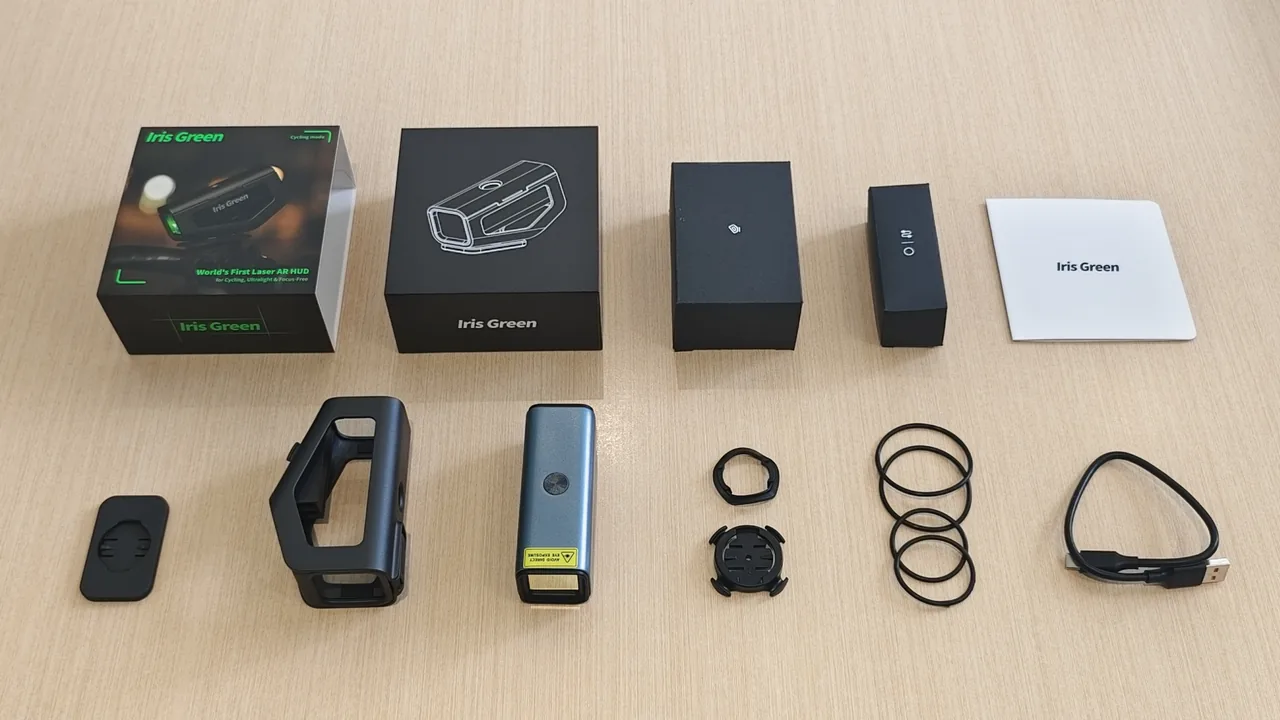
The box is built around a simple promise: mount the device, pair the app, charge by USB-C, and get on the road without hunting for basic accessories.
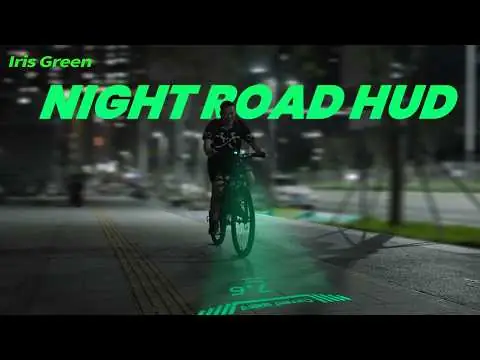
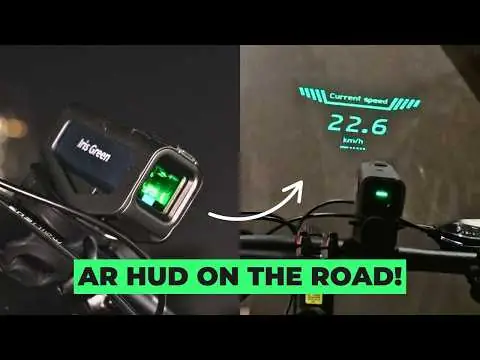
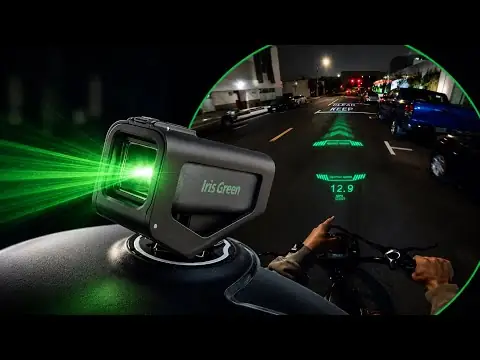
Explore five creator videos and cycling features. Choose a video to watch here, or visit the original upload and channel on YouTube.
Swipe to explore all five videos.
Find answers about everyday use, compatibility, care, ordering, and after-sales support.
Check the illustrated guide or contact the IRIS team for help with your setup or order.
Open the setup guide → Contact support → Back to buying optionsIris Green is best suited to night and low-light riding. Strong ambient light reduces contrast; road texture, projection distance, angle, and selected content also affect visibility. Do not expect the same result in direct sunlight as after dark.
No. Iris Green is an assistive projection display. Keep your required lights in use and follow traffic conditions and local rules. Complete setup while stopped, keep the beam directed toward the ground, and avoid looking into the lens or aiming it at eyes or reflective surfaces.
The listed water-resistance rating is IP56. Do not immerse the device or expose it to high-pressure washing. Keep the USB-C port and cable dry; do not charge in rain, in wet conditions, or while riding.
The included mounting kit is intended for common cycling setups. For oversized handlebars, aero bars, unusual cockpits, or non-standard e-bike and scooter mounts, ask support to confirm fit before ordering. The installation must leave controls, cables, lights, and steering clear.
Use the Ainstec Iris App for iOS or Android and enable Bluetooth for device connection. Check the current App Store or Google Play listing for your phone's OS compatibility. Features can vary with app, firmware, region, network, and third-party services.
Riding data comes from your smartphone's GPS. ANT+/BLE external sensors are not supported. Plan to use the phone and app for the supported ride-data functions.
Yes. Use the app to prepare and sync supported content over Bluetooth. Simple shapes, a dark background, and minimal text work best. Check the specifications for supported image formats and the six-second video limit, and prepare content before departure.
Listed runtime is approximately 120 minutes at full-power projection. Brightness, content, playback frequency, temperature, and connection stability affect actual use. A full charge takes about one hour with a certified 5 V / 1 A charger and USB-C cable. Charge in a dry place before riding.
Follow official update prompts in the app. Keep the phone and device sufficiently charged and connected throughout the update. Do not switch off the device, close the app, disconnect Bluetooth, or start riding until the update finishes.
The current product price is shown in the buying options, with shipping included. Taxes, VAT, duties, customs charges, or other local fees are not included and may apply by destination. Review your order details before payment.
Keep your order confirmation and use the tracking page for available updates. Contact support for order-specific shipping questions; delivery timing depends on the destination and carrier.
The published policy provides a 12-month limited warranty for manufacturing defects. Damage from misuse, accidents, or unauthorized modifications is excluded. Review the full policy for the applicable terms.
The published policy asks you to report arrival damage or defects within 7 days of receipt and provides a replacement or refund at no additional cost. Contact support promptly with your order number, purchase proof, and photos of the issue.
The published policy allows returns within 30 days of receipt for a full refund, with original packaging, unused or like-new condition, and purchase proof. Email the address in that policy with your order number and reason to obtain return instructions before sending anything back.
Contact the IRIS team with your order number, device serial number, phone model, app and firmware versions, and a short description of the issue. Photos or screenshots help with mounting, pairing, charging, or projection problems.